- Log into the vendor portal
- Go to products

- Click the checkbox next to the item you want to delete
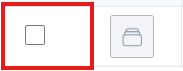
You can do multiple items at once by clicking the checkbox next to multiple items
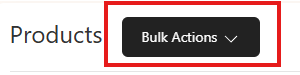
- Click on the bulk actions button at the top of the screen
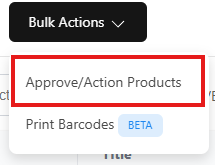
- Select "Approve/Action Products
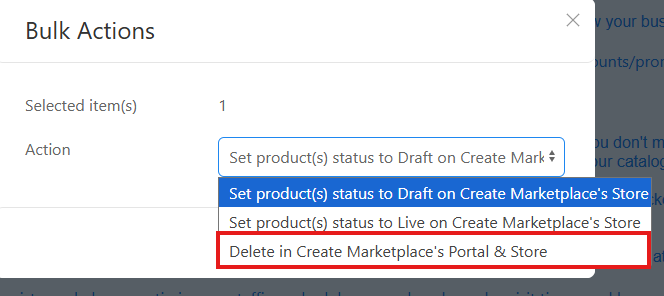
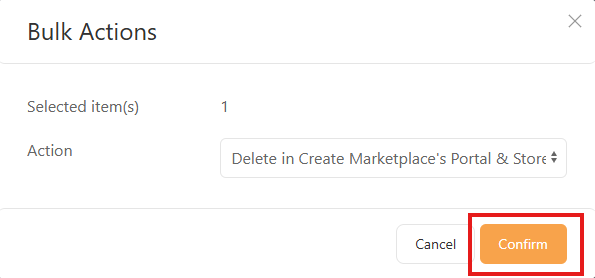
- From the dropdown menu, select "Delete from Create Marketplace Portal & Store
- Then click "Confirm"
Was this article helpful?
That’s Great!
Thank you for your feedback
Sorry! We couldn't be helpful
Thank you for your feedback
Feedback sent
We appreciate your effort and will try to fix the article